
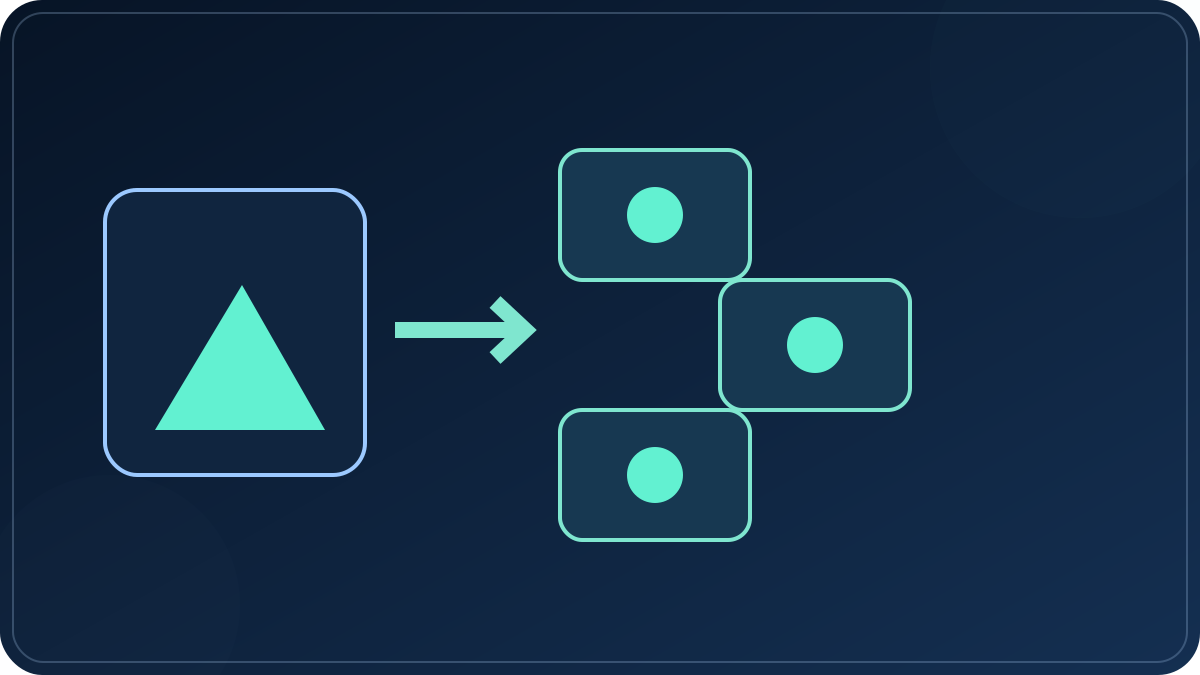
Make the handoff pack, not a loose exported file
The easiest way to lose a usable clip is to send a file with no decision attached to it. A handoff pack is deliberately small: it makes the next action obvious without turning a short video into a paperwork project.
Save the version you intend to judge. Give it a name that describes the scene and the change, rather than a vague final-final label.
Name the one place this version is meant to appear and the frame that belongs there. A master can later be adapted, but it should begin with a primary job.
Choose one thing to review: did the opening hold attention, did the product remain legible, or did the change read clearly? Do not review everything at once.

Keep three receipts with the clip
These are not platform metrics or promises. They are three plain records that keep a render from becoming an orphaned asset.
Which source image, frame, and motion decision created this version? Keep enough context to repeat the one part that worked.
Where is this version going first, and what format or crop does that destination require? A new route is a new decision, not an automatic upload.
What one observable result will decide the next iteration? If there is no question, there is no reason to make another variation yet.
A short workflow from render to learning
- Freeze the version you are judging. Do not overwrite the file while you are still deciding whether the motion works. A stable master gives the review a real subject.
- Write its intended viewing situation. Say what the viewer needs to understand in the opening moment, and where they are expected to see it. This turns “share it somewhere” into a testable route.
- Adapt only after the master is approved. A vertical crop, a square crop, and a new caption treatment are separate variants. Mark them as variants instead of mistaking them for the same file.
- Record one observation, then choose one change. Preserve the detail that worked and alter only the part the review question exposed. A useful next render has a reason.
Generation, distribution, and review are different jobs
| Stage | The question it answers | What to carry forward |
|---|---|---|
| Creation | Does the clip show the intended moment? | The source frame, the motion decision, and the approved master. |
| Distribution | Where should this exact version be seen first? | The destination, the frame treatment, and any variant label. |
| Review | What should the next version preserve or change? | One observation tied to one future decision. |
Practical limit: A good render does not prove that every crop or destination will work. Treat each new frame, caption treatment, or route as a new version with its own purpose.
Why this page separates the jobs
A 2022 Magisto product page framed business video work as a sequence of creation, cross-channel distribution, and audience analysis rather than as generation alone. That older workflow is useful here as a boundary: a rendering tool can supply the creation step, but it cannot choose a destination or decide what a result means for the next version.
Historical source: Magisto archive, 2022. The source is used for the historical workflow distinction; its marketing copy and uplift claims are not reproduced or treated as a promise.
Questions after you have a usable clip
Should I make every crop before I publish anything?
No. Start with one primary route. Create a variant only when it has a different job, such as a new frame, a new opening, or a different viewing situation.
What if a render is technically clean but says nothing?
Return to the viewing question. If you cannot name what the viewer should understand, the issue is usually the scene decision, not a missing effect.
Is a distribution receipt a publishing schedule?
No. It is a simple statement of where the version belongs first. A schedule can come later; the receipt prevents an export from losing its purpose.
When should I render again?
After the review identifies one specific change worth testing. Re-rendering without a changed decision only produces more files to sort.
Related planning guides
Use the source-input guide before generation, then use this handoff checklist after you have a version worth judging.