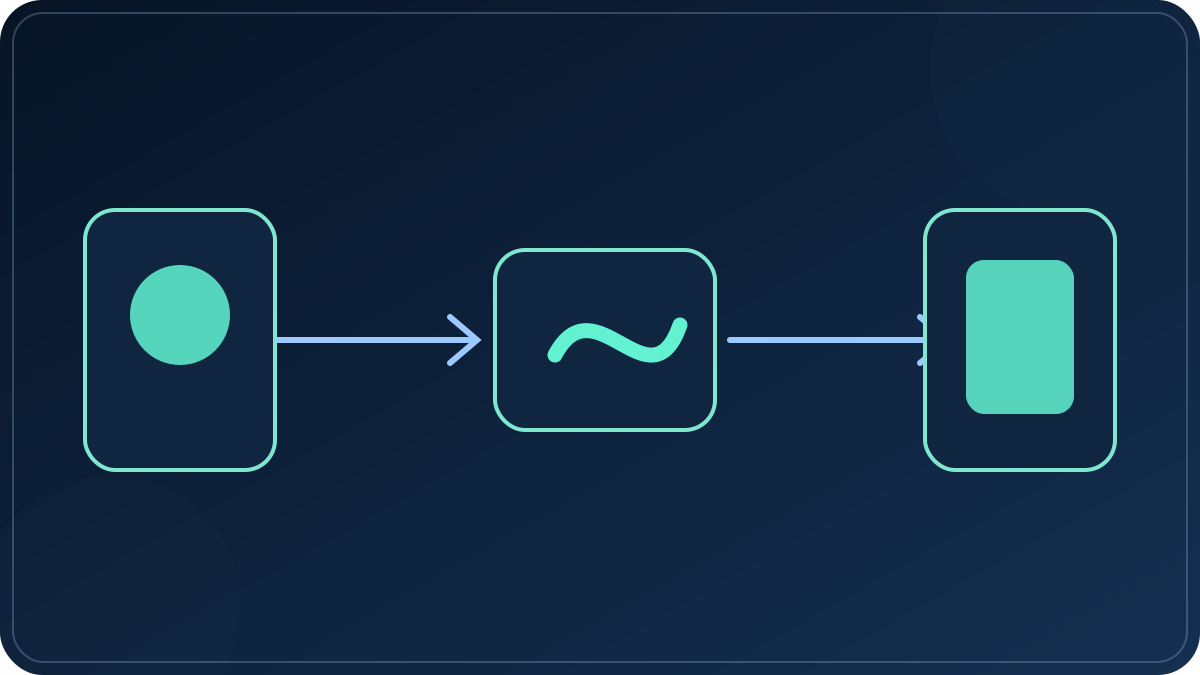
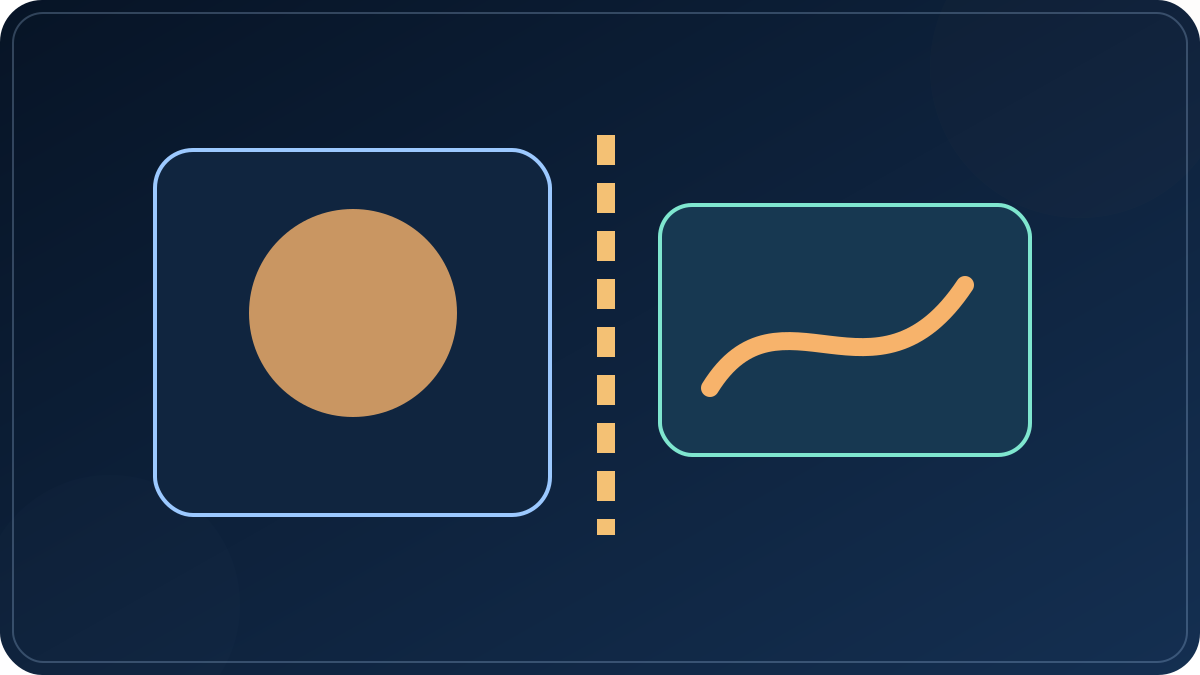
Start from a usable frame
Pick one photo or an ordered set. Identify the subject already present; do not ask the model to invent the foundation of the shot.
Image-to-video planning
Choose what moves, what must stay unchanged, where the clip will be seen, and what the first render is meant to prove. Then carry that brief into a configured generation service.
The public studio creates a local project brief. It does not promise a rendered AI clip, connect a social account, or publish a post until those services are explicitly configured.
The answer first
A source image already defines most of the scene. This page makes the remaining choices visible so a first render can answer a specific question instead of spending a credit on a vague experiment.
Pick one photo or an ordered set. Identify the subject already present; do not ask the model to invent the foundation of the shot.
State the face, product shape, label, setting, or composition that must remain recognizable after motion is added.
Choose a small subject action or one camera move. A narrow request is easier to inspect than several actions in one short clip.
Set vertical, square, or landscape based on where the clip belongs. The same source photo may need a different crop for each.
Studio workflow
The flow below describes the public Photo2Reel Studio as it works today. A saved project is not presented as a finished video.
The Studio accepts JPG, PNG, WebP, and AVIF while you prepare the brief. The selected image is used for a local draft at this stage.
Record the subject, one motion, one camera behavior, and the visual elements that must not change.
Set 9:16, 1:1, or 16:9 and prepare separate copy for the channels you intend to use. Selecting a channel does not connect it.
Generation needs an owner-configured provider and explicit authorization. Direct social publishing is not connected in the public Studio.
A checkable motion prompt
Instead of leading with style words, record the subject and a small action, then choose one camera behavior and one secondary environmental change. Finish by naming what must hold steady.
Read the motion-prompt guide for examples that separate camera motion from subject motion.
What is live
This is the boundary that belongs beside the primary action, not behind a sign-up wall or after a project is prepared.
| Task | Public Photo2Reel status | What happens next |
|---|---|---|
| Plan one image or a storyboard | Available in Studio | Create scenes, motion directions, aspect ratio, captions, and a local draft. |
| Render an AI-generated clip | Not a public visitor service | It requires an owner-configured provider, an estimate, and explicit authorization. |
| Send a finished clip to social channels | Not connected | Prepare channel-specific text in the Studio; posting remains a separate account-authorized step. |
| Make a local photo slideshow | Available separately | Use the browser-local maker to arrange photos, add audio, and export without an AI generation claim. |
Solve the next problem
These are separate topics so a person can open the specific problem without skimming one generic list of features.
Questions before you start
No. This page leads to a Studio that prepares an image-to-video brief. The public flow does not represent a generation service as live. A configured provider and explicit authorization are separate requirements.
No. It prepares channel-specific drafts, but it does not connect an account, schedule a post, or create a publishing receipt.
The public Studio uses the selected image for a local project draft while planning. A generation request would be a separate, explicit step only when a service has been configured.
Use the separate local slideshow maker. It makes a sequence from your images and optional audio in the browser; it is not presented as an AI video model.
Choose one image, state one action and one camera behavior, and make the first scene short. Keep the same limits when you change the next test so the result is comparable.
Use a source you have the right to use and obtain any permissions required for the people, trademarks, or other protected material in it. This page does not grant those rights.