
One photo, one line, one vertical video
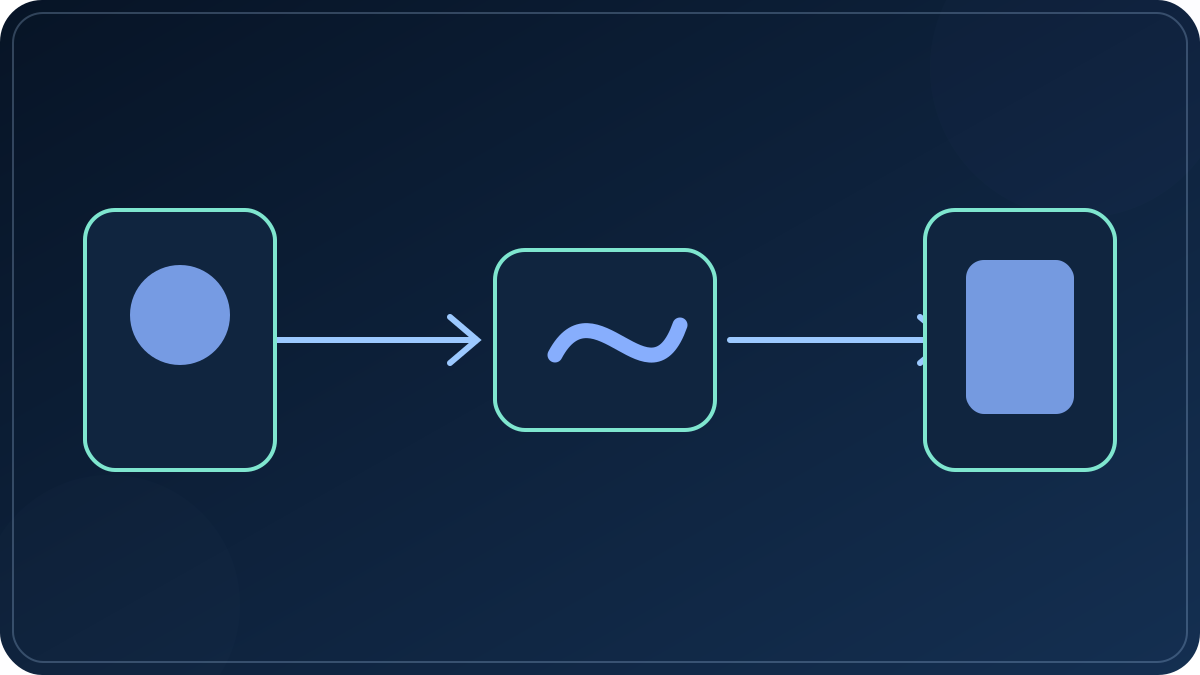
This tool turns a single photograph and a sentence into a vertical short video without sending anything to a server. You choose the image, type the words you want on screen, pick a template, and the browser renders a 1080 × 1920 MP4 with slow camera movement behind the text. It is built for the kind of clip that needs one idea, one frame, and a caption — not a full timeline.
How the cuts land on the beat
Add a track and the page reads it on your device, finds the onsets, and works out a tempo. It then places the cuts on that grid rather than on a fixed timer, so the first photo changes on a beat instead of half a beat late. The control that matters is beats per photo: four beats keeps each photo on one bar, two beats doubles the pace, one beat is the fastest cut that still reads on a phone.
There is a short punch on every cut — a 55 millisecond push and a light flash — which is what makes a slideshow feel like it is hitting the music rather than drifting over it. If the track has no clear beat, or you would rather set the pace yourself, switch the rhythm to fixed and the seconds-per-photo field takes over again.
How the text and the photo are timed
The tool splits your text on full stops, question marks, exclamation marks, and line breaks. Every resulting sentence becomes one caption with a fade, a rise, or a pop, depending on the template. The captions are spread evenly across the whole video, so a short line on a long clip holds longer and a long line on a short clip moves faster. If your text needs more room than the photos allow, the video gets longer instead of the captions getting faster.
Each photo is held for the number of seconds you set, and the frame is filled edge to edge rather than letterboxed. A 9:16 crop of a landscape photo loses the sides, so put the subject near the middle before you render. Adding a second or third photo makes the background rotate behind the same text instead of holding one frame for the whole clip.
What the templates actually change
A template is three decisions bundled together: where the words sit, how they arrive, and how the camera moves. Clean puts white text in the lower third with a slow push in. Bold centres the words and pushes harder, which suits a single blunt statement. Caption draws a dark bar along the bottom so the words stay readable over a busy image. Cinematic pulls out slowly and keeps the text warm and low. Punch places aqua words at the top with a fast push, which reads well on a phone feed where the bottom is covered by interface.
Recipes are a starting point, not a lock
A recipe bundles a look with a pace. Photo dump cuts on every beat and keeps a dark bar under the words, which is the format that fills a feed with quick frames. Before and after holds each photo for four beats and centres the words, so a comparison reads without being rushed. Story is the slowest option and suits a handful of photos that each need a moment. Product drop cuts every two beats with aqua words at the top, where a feed's interface does not cover them.
Picking a recipe sets the look and the beats per photo, and that is all it does. Change either one afterwards and the recipe switches itself to Custom, because the useful part is knowing what you changed, not being stuck inside a preset.
There is also a cover frame button. A vertical clip needs a still for the thumbnail, and the frame you exported is already cropped to 9:16, so it drops straight into the platform's cover picker instead of being recropped by hand.
Why there is no queue, no credit counter, and no watermark
Every tool that generates footage from a model in the cloud has the same three costs underneath the feature list. Your job sits in a shared queue behind everyone else's, so a busy hour becomes a wait. Every attempt is billed whether or not the output is usable. And the free tier usually pays for itself with a watermark, a 720p ceiling, and a five to eight second cap.
None of those three exist here, and it is not a pricing decision. There is no model to queue for, because the page is not generating new imagery — it is arranging the photographs you already took. The work happens on your own graphics chip while you watch, which is why it starts instantly, why a bad take costs nothing, and why the length is limited by how many photos you added rather than by a vendor's clip length.
The honest trade is the other direction: what you get is timing, framing, and music sync, not invented footage. If you need the picture itself to move — a face turning, a product rotating — that requires a video model running outside the browser, and it brings the queue, the credits, and the watermark back with it.
What this tool does not do yet
The text is drawn on top of your photo — it does not generate new imagery. Turning a written prompt into generated footage requires a text-to-video model running outside the browser, which means an API key, a per-seco nd cost, and a server to hold the key. That is a separate product decision, not a checkbox. Everything on this page happens on your device, which is why it can stay free and stay private.