The three places a watermark comes from
They look identical in the finished file, and they have completely different fixes. Getting the source wrong is why people switch tools three times and still end up with a logo.
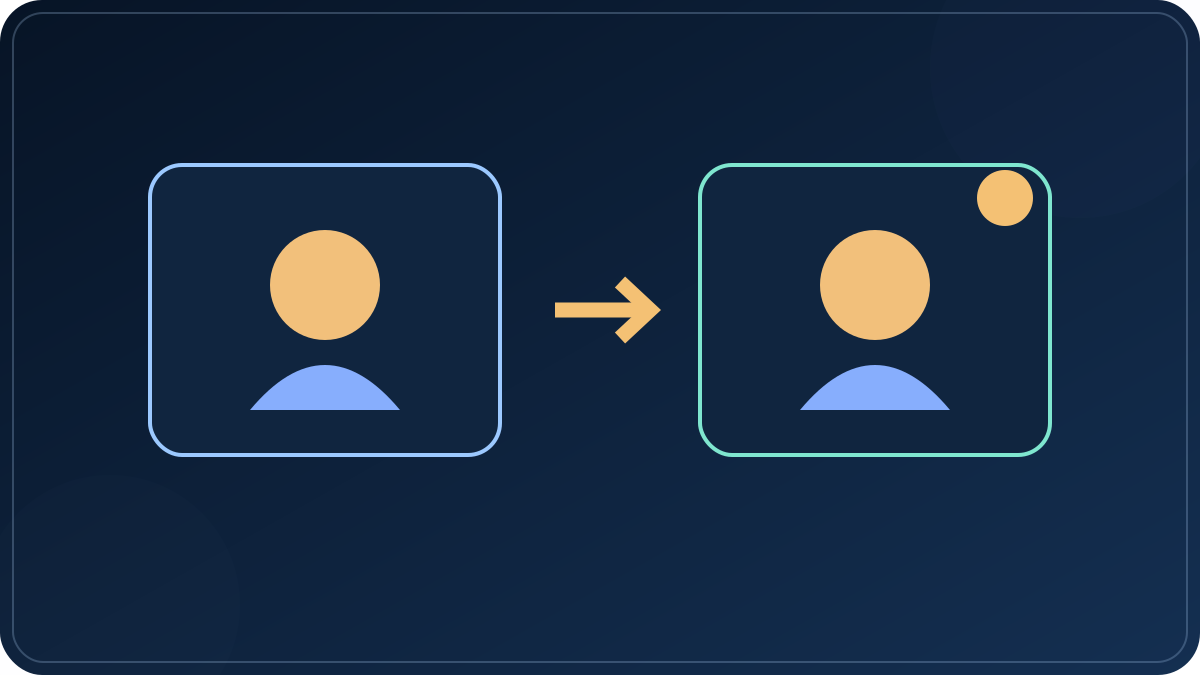
Test a free tier in sixty seconds, not sixty photos
Do this before you build anything real. It costs one minute and it answers the question the pricing page avoids.
- Build a two-photo project using only your own images. No template, no stock clip, no premium font. Four seconds total is enough.
- Export at the lowest setting the plan allows. A mark that only appears at higher resolutions is still a mark; a mark that appears at the lowest setting appears everywhere.
- Watch the first second, the last second, and all four corners. Marks migrate. Corner logos are the common case, end cards are the second most common, and a small badge that follows the subject is the third.
- Then add one premium element and export again. If a mark appears now but not before, you have found cause two, and the fix is choosing a different asset rather than paying for a plan.
If the clean export came out clean and the marked export came out marked, you now know exactly what you are buying. That is more than the plan comparison table will tell you.
The category that cannot add one
There is a class of tool where the question does not come up: the ones that draw each frame on your own canvas and record the result with your own machine's encoder. There is no upload, no server-side render queue, and no licensing gate at export — so there is no step where a mark could be inserted, and no reason for one to exist.
The trade is real and worth stating. These tools assemble and animate the photos you already have. They do not invent frames. You get exact control over duration, order, transitions, and audio, and you get nothing you did not supply.
Two of these run on this site and both are free: a slideshow maker that takes photos, per-photo durations and a track, and a vertical clip maker that takes photos plus a line of text and cuts on the beat. Neither uploads anything.
If you need templates or stock, you are asking a different question
Watermark-free stops being an editor question the moment you want footage you did not shoot. Then it is a licence question, and paid tiers exist precisely to clear that licence. The honest version of the comparison is not "which one has no watermark" but "which one's paid tier is worth it for the assets you actually need".
Three worth looking at, with the caveat that free-tier terms change without announcement and the pricing page is the only source that is current:
Whatever you pick, run the sixty-second test above on that tool before you build the real sequence. It takes less time than reading one more comparison page.
If you want the frame itself to move
This is the other question, and it has a different cost structure. Tools that generate motion from a still image bill per second of output, queue work on shared hardware, and meter usage in credits. That means three things you will meet in the first week: a wait at peak hours, a charge for a render that came out wrong, and a free tier that caps length and marks the export.
The names worth knowing are Kling, Runway, Higgsfield, Hailuo and Pika. Rates and free allowances on all of them move month to month, so check the current rate card rather than any number written in an article, including this one. The practical rule: generate one short clip first, at the lowest setting, and look at it before you commit a budget to a sequence.
One line that matters legally, because it comes up whenever watermarks are discussed. Removing a watermark from someone else's video is a separate violation from copying it, under rules like DMCA 1202 in the United States — it does not become acceptable because the clip was otherwise free to use. Choosing a tool that does not add a mark is a different act from erasing one that did.
Before you export thirty photos
- Own every frame. One borrowed photo moves the whole export into a licence question you did not plan for.
- Use one font and one transition. Mixed styles are the fastest way to make a clean export look like a template someone else made.
- Check the audio licence separately. Audio inside a social platform is cleared for use on that platform. The same track downloaded and dropped into your own export is not.
- Export once, at the resolution you will publish. Downscaling a finished file loses more than rendering it at the right size.
- Keep the source folder and the original track. Re-rendering is cheap. Finding a song you no longer have is not.